Gateway Redundancy Comparison for Online Merchants
A checkout failure is not a minor technical issue when your business depends on recurring orders, time-sensitive offers, or high-ticket online sales. It is abandoned carts, failed rebills, support tickets, and revenue you may not get back. This gateway redundancy comparison explains how merchants can build a second payment path that protects acceptance without creating more operational risk.
For high-risk businesses, redundancy is not about collecting extra software accounts. It is about making sure a temporary outage, bank-level disruption, fraud rule conflict, or gateway issue does not stop your ability to accept legitimate customer payments.
What Gateway Redundancy Actually Means
Payment gateway redundancy means having an approved backup route for card transactions when your primary route cannot process them. That route may include a second gateway, a second merchant account, or both. The right setup depends on how your checkout is built and who controls the underwriting and transaction flow.
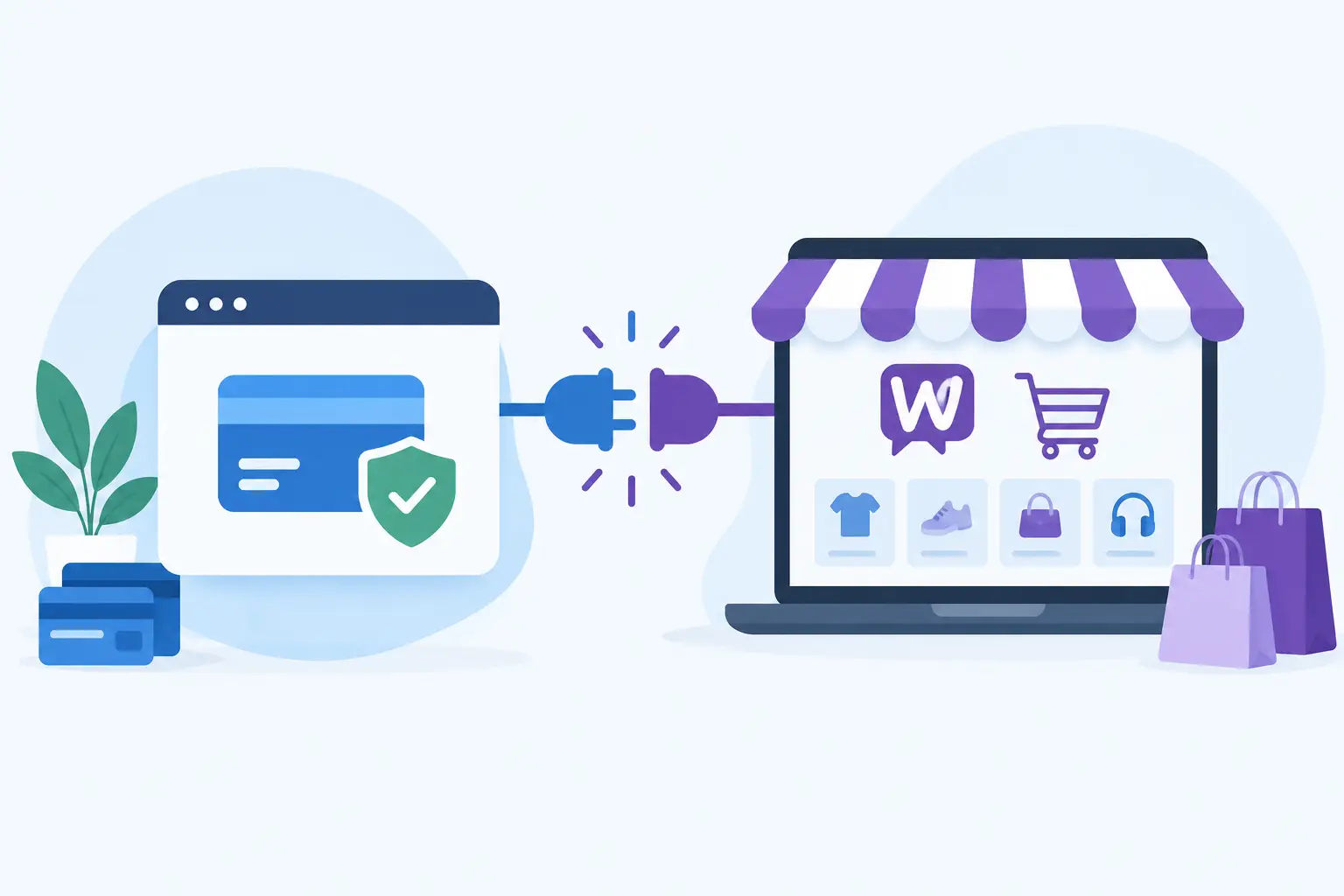
A gateway is the technology layer that securely sends payment data from your website, virtual terminal, or billing system to the processing side. A merchant account is the financial relationship that allows your business to accept card payments and receive settlement. They are connected, but they are not interchangeable.
That distinction matters. A backup gateway connected to the same merchant account can help if a gateway platform has an outage. It may not help if the underlying processor, sponsor bank, or merchant account has a problem. On the other hand, a second merchant account without a tested gateway integration is not a practical backup when checkout is already failing.
For most online merchants, meaningful redundancy requires an independent alternate processing path that is approved, configured, and ready before it is needed.
Gateway Redundancy Comparison: Three Common Models
The best model is not automatically the one with the most accounts. It is the one that covers your most realistic points of failure while staying manageable for your team.
One Gateway With One Merchant Account
This is the simplest setup. Your website sends transactions through one gateway to one merchant account. It is easier to maintain, easier to reconcile, and often the fastest route to launch.
The drawback is obvious: there is no fallback. If the gateway experiences a service issue, the account is temporarily restricted, or transaction volume triggers a review, your checkout may be unable to collect payments. For a lower-volume business with infrequent traffic spikes, this may be acceptable. For a subscription business or a merchant running paid traffic every day, it creates unnecessary exposure.
Two Gateways Connected to One Processing Relationship
This model gives you gateway-level coverage. If your primary gateway has a technical outage, transactions may be rerouted through a second gateway that connects to the same underlying merchant account or processing relationship.
It can be useful for businesses with complex WordPress stores, custom carts, or virtual terminal operations that need an alternate way to submit transactions. However, it does not provide full account-level redundancy. If the issue involves the merchant account itself, its fraud filters, its bank relationship, or a processor-side interruption, both gateways can be affected.
Think of this option as technical continuity, not complete payment continuity.
Separate Gateways and Separate Merchant Accounts
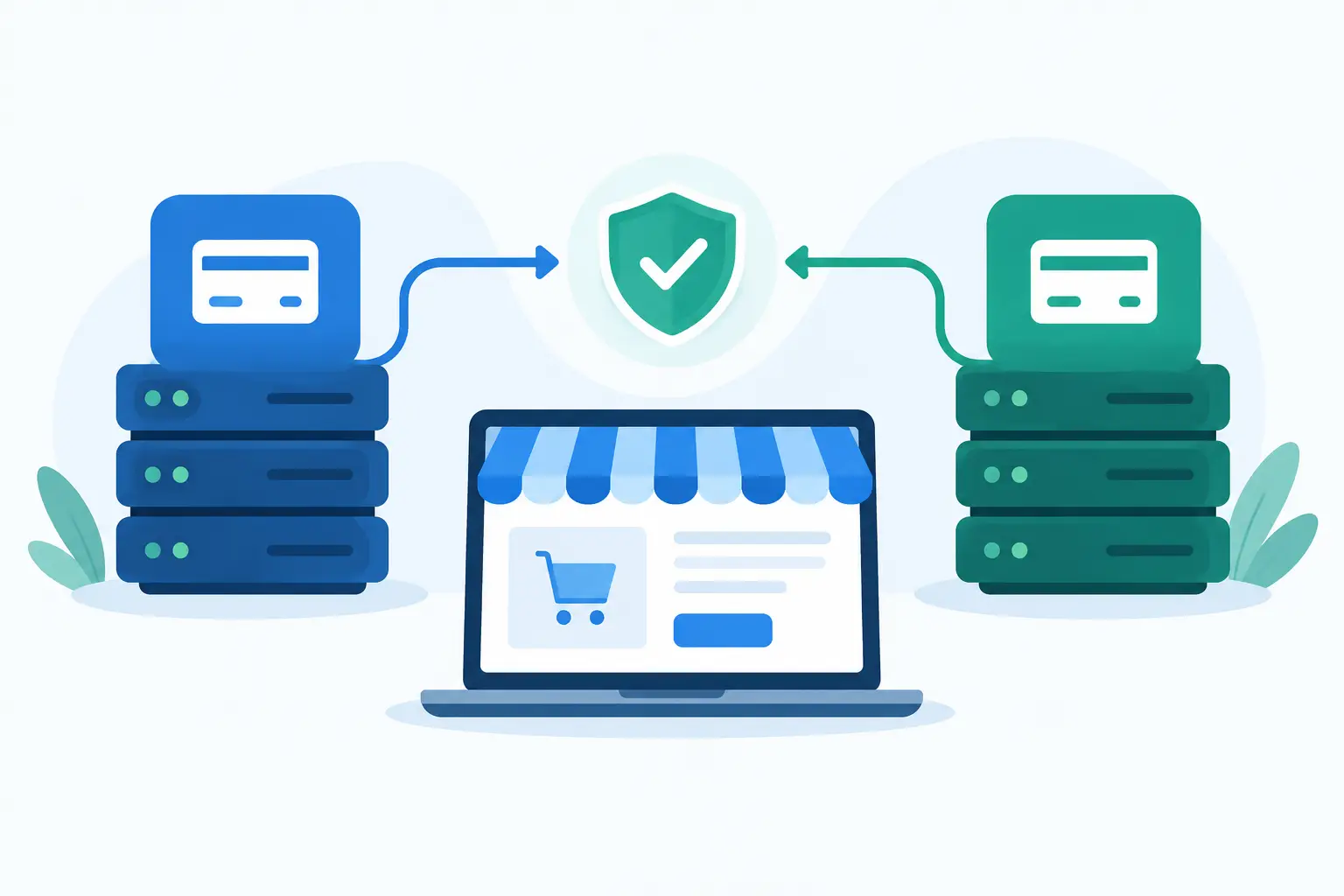
This is the strongest form of redundancy for many high-risk online businesses. Your primary and backup paths are independently configured, with separate gateway credentials and separate approved merchant accounts. If one route cannot process transactions, the other route can take over.
The trade-off is added management. Your team must understand where transactions are routing, how settlements are reported, which descriptors customers will see, and how refunds or chargebacks are handled by each account. You also need a clear policy for when to activate the backup route.
For merchants processing meaningful daily volume, accepting recurring payments, or operating in categories that face elevated scrutiny, that extra administration is often worth the protection. A well-built backup path gives you options when a single-provider arrangement does not.
Compare Redundancy by Failure Scenario, Not Features
A gateway comparison can look impressive on paper while failing to answer the operational question: what happens when a customer tries to pay and the primary route is unavailable?
Start by identifying the disruptions that would cost your business the most. Gateway downtime is one possibility, but it is not the only one. A payment method may be temporarily unavailable. A fraud setting may block legitimate traffic after a campaign launch. A processor may require documentation during a review. Your primary account may hit a volume threshold that needs adjustment.
Then ask whether the backup is truly independent enough to handle that event. Two gateway logins under the same processing arrangement may not protect you from processor-side problems. Two merchant accounts using the same checkout integration may still create a single technical point of failure if the routing logic is not configured correctly.
The goal is not to predict every disruption. It is to avoid having one preventable issue shut down all incoming payment revenue.
What High-Risk Merchants Should Evaluate
High-risk merchants need to look beyond a generic uptime promise. Your backup route must be compatible with your business model, transaction patterns, and customer experience.
First, confirm that the backup merchant account is approved for the actual products or services you sell. Do not assume an account built for one business category can safely support another. Accurate underwriting protects your ability to process over time and makes a backup route more dependable when you need it.
Next, examine transaction types. If your business uses subscriptions, the backup setup should support tokenization, customer vault functions, recurring billing, and rebill logic that match your existing workflow. If you rely on phone orders or manual invoicing, make sure authorized staff can use the virtual terminal without confusion.
Also consider payment page behavior. A reroute should not create a broken checkout, repeat customer data entry, or accidental duplicate charge. For WordPress and eCommerce platforms, confirm which plugin or integration controls the gateway selection and whether switching can be completed without a development emergency.
Finally, review reporting and cash flow. Separate accounts may settle on different schedules and present transactions in different dashboards. Your accounting process needs to identify which account captured each sale, which account funded it, and where refunds need to be issued. Daily payouts and full transaction visibility can make this considerably easier to manage.
Build a Backup That Can Actually Be Used
A backup route that has never processed a controlled test transaction is not a backup. It is an assumption.
Before relying on redundancy, configure the backup gateway in your checkout environment, validate required security settings, and test an approved transaction flow. Test refunds as well. If your business runs subscriptions, test a customer creation or token-storage workflow according to the capabilities of the account and gateway.
Your team also needs a simple activation plan. Define who can decide to switch traffic, who has administrator access, how customer support will respond if payment attempts fail, and how you will monitor results after the change. This does not need to be a complicated incident manual. A one-page internal process can prevent costly confusion under pressure.
Avoid automatic routing unless it has been designed carefully. Smart routing can be valuable, but it can also produce duplicate authorization attempts, inconsistent fraud outcomes, or messy reconciliation if it is configured without proper testing. For many merchants, a controlled manual switch is the safer starting point.
Redundancy Is Not a Workaround for Compliance
A backup merchant account should never be used to conceal volume, bypass underwriting requirements, or move transactions away from an account that has been restricted for a legitimate compliance reason. Those practices can put both processing relationships at risk.
The durable approach is transparency. Keep business information current, process within approved parameters, use clear customer descriptors, and maintain policies that reduce avoidable disputes. Redundancy works best when both payment paths are healthy, accurately underwritten, and supported by clean operating practices.
It also pays to monitor approval rates rather than waiting for a complete outage. A sudden rise in declines, a drop in successful recurring payments, or a change in fraud-rule behavior can signal a problem early. Catching it before a campaign, product launch, or billing run gives you more room to respond.
Choose Continuity Over Last-Minute Scrambling
The right redundancy setup depends on your volume, risk profile, checkout platform, and how much revenue is at stake during even a short interruption. A small merchant may need a straightforward alternate gateway plan. A scaling subscription business may need separate accounts, tested routing, and a clear procedure for recurring billing continuity.
What matters is having a payment infrastructure partner that understands the difference. Myco Solutions helps high-risk merchants build processing options around real operating needs, including gateway setup, account access, and the visibility required to act quickly. Put the backup path in place while payments are flowing, not after your checkout has already gone quiet.