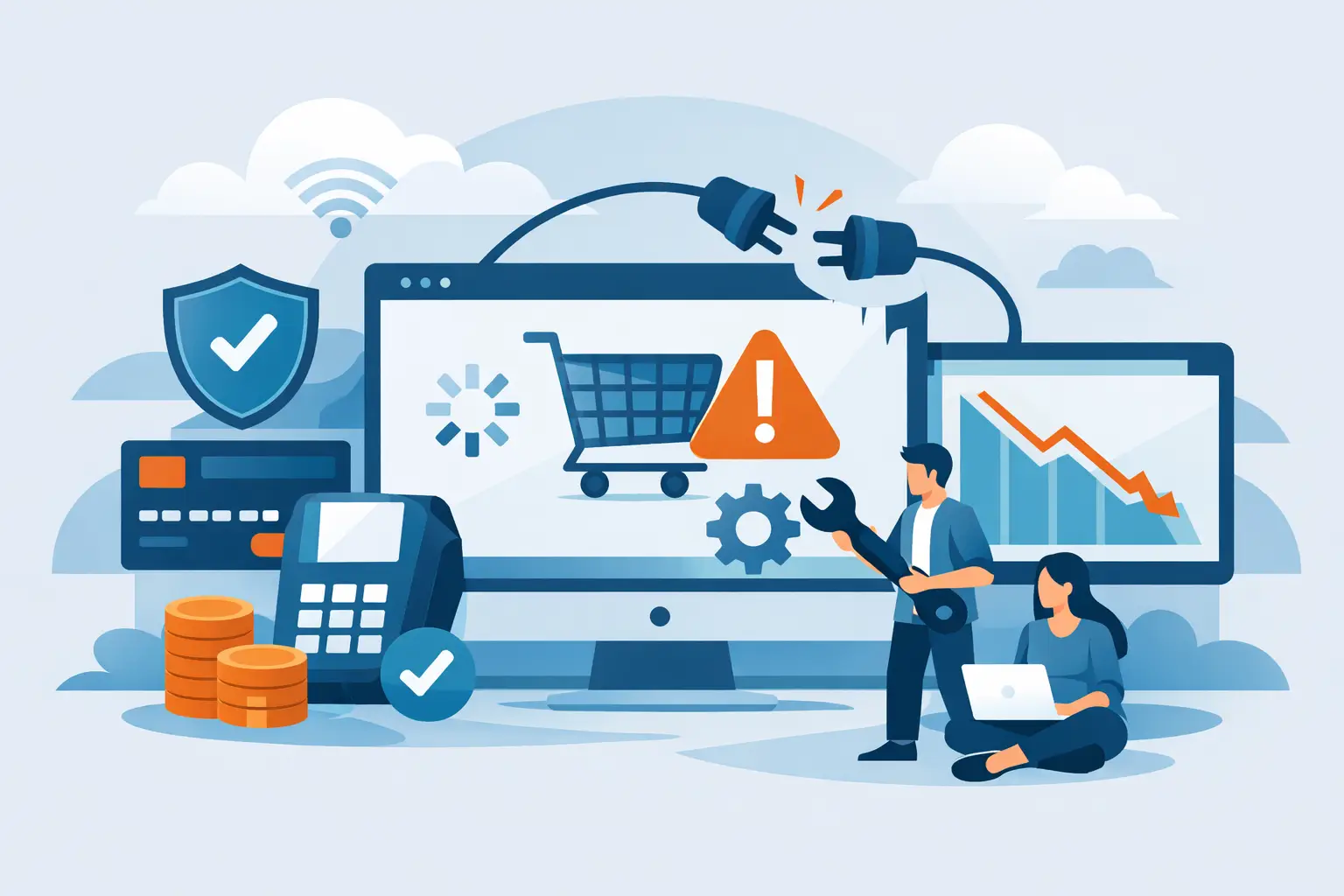
A payment gateway outage does not just create a technical inconvenience. For an online merchant, it can stop new orders, interrupt subscription renewals, trigger customer support tickets, and hand ready-to-buy customers to competitors. Knowing how to prevent payment gateway downtime means treating payment acceptance as revenue infrastructure, not a plug-in you set up once and forget.
High-risk merchants have less room for disruption. When you operate a subscription business, sell through a WordPress store, process phone orders through a virtual terminal, or work in a category that mainstream providers scrutinize, a payment failure can also invite account reviews and cash-flow pressure. The goal is not to promise that no vendor will ever have an incident. The goal is to build a payment operation that detects issues quickly, limits the blast radius, and gives you a working path to keep accepting payments.
Why Payment Gateway Downtime Happens
Gateway downtime can come from several places, and identifying the source matters. A processor may experience a service incident. Your gateway credentials may expire, an API integration may break after a site update, or a fraud rule may block valid transactions. Your hosting provider, DNS settings, shopping cart, or internet connection can create the same customer-facing result: a checkout that will not complete.
Not every decline is downtime, either. A spike in declined cards can be caused by issuer decisions, outdated customer card details, incorrect billing fields, or a sudden change in transaction patterns. Merchants often lose time by assuming every failed payment is a gateway outage. Start by separating true technical errors from ordinary declines and fraud-filter decisions.
This distinction protects revenue. If the gateway is unavailable, you need a contingency route. If issuers are declining cards, you need clearer checkout messaging, payment retries, or customer outreach. If your own website integration failed, you need a controlled rollback process.
How to Prevent Payment Gateway Downtime Before It Costs You
Prevention starts with ownership. Someone on your team, whether it is an operations lead, developer, or agency partner, should be responsible for the payment stack and have access to the merchant dashboard, gateway settings, support contacts, and current technical documentation. A checkout system with no clear owner is a liability.
Choose processing built for your business model
A generic payment setup may look simple at first, but it can become unstable when your processing profile does not match the provider’s risk tolerance. High chargeback exposure, recurring billing, higher-ticket items, continuity programs, and restricted verticals require a provider that understands the transaction patterns before problems arise.
Ask direct questions before onboarding: What is the escalation path during an outage? Is there a backup gateway option? Can the account support recurring billing and virtual terminal activity? How quickly can credentials be reissued if needed? What reporting shows authorization failures by reason code?
The lowest advertised rate is not always the lowest-cost decision. A provider that cannot support your category or volume can create interruptions that cost far more than a small pricing difference. Myco Solutions works with high-risk merchants that need payment infrastructure designed for practical operational control, not a one-size-fits-all approval model.
Build a real failover plan
Failover means having a preapproved alternate route for transactions when your primary gateway or processing connection is unavailable. It is one of the strongest protections against prolonged lost sales, but it must be configured and tested before an incident occurs.
For some merchants, this means a secondary gateway connected to an additional merchant account. For others, it may mean a backup checkout page, a hosted payment page, or a virtual terminal process for approved phone orders. The right approach depends on your sales volume, customer experience requirements, compliance needs, and the terms of each processing relationship.
Do not treat a backup account as a place to send transactions indiscriminately. Routing logic should honor your approved processing setup, avoid duplicate submissions, and maintain clean reconciliation. Your team should know exactly when failover activates, who approves manual activation, and how to switch back once the primary path is stable.
Monitor checkout, not just your website
A site can appear online while customers cannot pay. Website uptime monitoring alone will not catch a broken authorization request, a failed tokenization call, or an error after the customer clicks Pay Now.
Set up monitoring that checks the actual checkout journey. At minimum, track gateway response errors, checkout-page load failures, authorization rates, declined transactions by reason, and recurring billing failures. Alerts should reach the people who can act, not sit in an inbox checked once a day.
A sudden drop in approvals deserves immediate attention, especially if traffic and order attempts remain normal. Compare payment metrics with website traffic, cart abandonment, and customer support volume. That combination quickly shows whether you are dealing with a gateway problem, a checkout bug, or a customer-side issue.
Protect credentials and integration settings
Expired API keys, rotated passwords, revoked permissions, and incorrect webhook URLs are avoidable causes of payment disruption. Keep gateway credentials in a secure password manager or secrets-management system, not in one employee’s notes or an untracked spreadsheet.
Document every dependency in your payment flow: gateway account, merchant account, eCommerce platform, plug-ins, server environment, fraud tools, webhooks, and subscription system. Record who controls each one and how to contact support. This documentation is especially valuable when a developer leaves, an agency relationship changes, or your store is updated under pressure.
If you use WordPress, update payment-related plug-ins carefully. Test changes in a staging environment first when possible, and never stack multiple major updates during a high-revenue period. A new theme, caching configuration, or plug-in version can interfere with checkout scripts even when the rest of the site looks fine.
Test the recovery process
A backup plan that has never been tested is only a theory. Schedule periodic tests of gateway credentials, webhooks, subscription billing events, failover instructions, and reporting access. Confirm that authorized team members can locate the steps without hunting through old emails.
Testing should include what happens after a transaction. Can your fulfillment system receive the order? Does the customer receive a confirmation? Does the transaction appear correctly in your dashboard? Can your accounting team reconcile the sale without creating duplicate records?
Keep tests controlled and documented. The objective is to prove that the process works without creating confusion in production data.
Reduce Customer Loss During an Incident
Even well-managed payment infrastructure can experience an external outage. Your response in the first 30 minutes determines how much revenue and customer trust you preserve.
First, verify the issue using dashboard data and a test transaction process. Then pause recent site changes so the team does not introduce a second problem while investigating the first. If your failover route is ready, activate it according to your documented procedure.
Customer communication should be clear and proportionate. If checkout is temporarily unavailable, do not leave customers staring at a vague error. Use a short message that confirms the issue is being addressed and invites them to try again shortly. For existing subscribers whose renewals fail, use a thoughtful retry schedule and email reminders rather than canceling access immediately.
Avoid repeatedly retrying the same transaction within seconds. That can create duplicate authorizations, frustrate customers, and produce a messy support queue. Use intelligent retries based on decline type and give customers an easy way to update payment details when their card information is the problem.
Keep Data Clean After Service Returns
When the gateway comes back online, the work is not over. Review the outage window for duplicate charges, orders marked paid without payment confirmation, abandoned carts, failed subscription renewals, and manual transactions entered through a backup process.
Reconcile gateway reports against your order system before fulfillment accelerates. A rushed recovery can create chargebacks if customers are billed twice or receive confusing receipts. It can also create inventory errors if orders were accepted in one system but never reached fulfillment.
Then document what happened. Record the time of detection, technical cause, affected systems, customer impact, actions taken, and what should change before the next incident. This turns downtime into an operational improvement instead of a recurring surprise.
Payment uptime is built through preparation: the right high-risk processing partner, visible transaction data, tested alternatives, and a team that knows who acts when checkout stops working. The strongest payment operation is not the one that assumes nothing will fail. It is the one that keeps revenue moving when something does.