A customer is ready to buy, but they are not standing at a checkout page. They are on the phone, replying to an invoice, or finalizing a custom order with your sales team. Virtual terminals let your business take that payment without losing momentum – a major advantage when every approved transaction matters.
For high-risk merchants, payment flexibility is not a nice extra. It is part of revenue continuity. A virtual terminal gives authorized staff a secure place to enter payment details manually, process card-not-present transactions, review outcomes, and keep customer orders moving when a standard online checkout is not the right fit.
What Virtual Terminals Actually Do
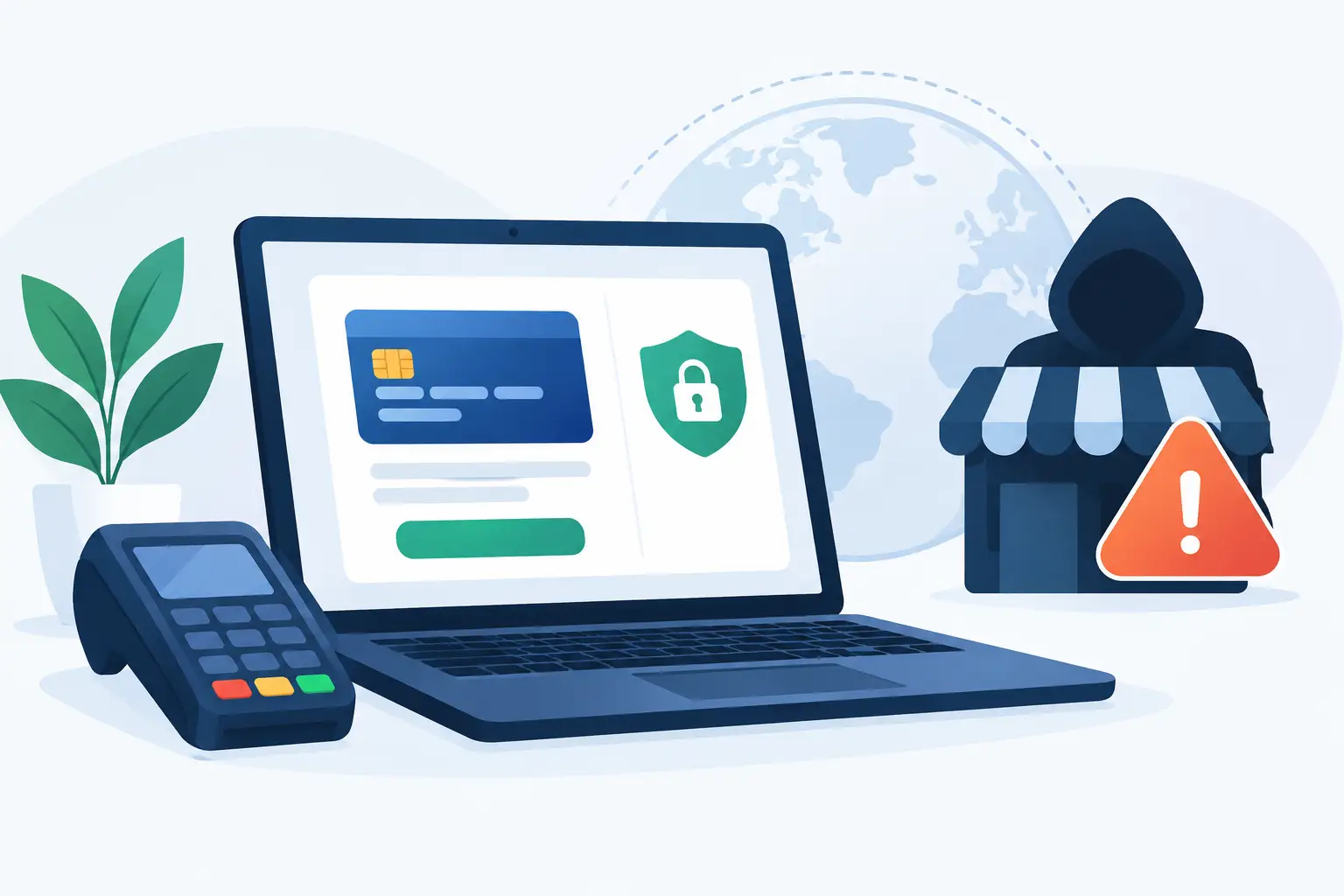
A virtual terminal is a browser-based payment tool connected to your merchant account and payment gateway. Instead of a customer entering card details on your website, a member of your team enters the information through a secure dashboard while speaking with the customer or working from a valid order request.
The transaction then moves through the same core payment process as an online sale: authorization, approval or decline, settlement, and payout. The difference is how the payment details enter the system. That distinction matters for businesses that sell higher-ticket services, process recurring orders, offer assisted sales, or handle customers who prefer to pay after receiving an invoice.
A quality terminal should give your team immediate visibility into transaction status. You should be able to see whether a payment was approved, declined, voided, refunded, or pending review without chasing down support for basic answers. That control helps operators resolve customer issues quickly and gives owners a clearer view of daily revenue.
Why High-Risk Merchants Need More Payment Options
Mainstream processors often view manual card entry and card-not-present transactions as higher-risk activity. There is a reason for that: the customer is not physically presenting a card, so fraud prevention, documentation, and internal process discipline matter more.
That does not mean your business should avoid virtual terminal payments. It means you need a payment environment built for the way you operate. If your company has faced declined applications, unexpected account restrictions, fund holds, or reserve requirements, a specialized high-risk solution can provide a more realistic approval path and better operational support.
Virtual terminals are especially useful when your sales process is not a simple click-to-buy transaction. Consider a subscription company handling a renewal over the phone, a WordPress store taking a custom wholesale order, or a service business collecting a balance after a consultation. In each case, the ability to accept an authorized payment through a dashboard can prevent a sale from stalling.
The trade-off is clear: manual entry creates responsibility. Your team needs defined procedures for taking payment information, confirming customer authorization, and documenting the sale. The right technology supports those habits, but it cannot replace them.
How a Virtual Terminal Payment Works
The process is simple for the merchant, but the setup behind it should be carefully managed. An authorized user logs into the payment dashboard, enters the customer’s payment information, adds the transaction amount, and submits the charge. The gateway returns an approval or decline response within seconds.
For a well-run business, the terminal is not just a place to key in numbers. It should capture useful order information, such as a customer name, email address, invoice number, internal order ID, product description, and billing address. Those details create a better customer service record and can be valuable if a customer later has a question about a charge.
When the transaction is approved, the payment is included in your settlement cycle according to your merchant account terms. Fast access to funds matters, particularly for high-risk operators who need to purchase inventory, pay affiliates, fulfill services, or cover advertising costs without waiting through extended payout delays.
Features That Matter in Virtual Terminals
Not all virtual terminals give merchants the same level of control. Before choosing a provider, focus on the operational features that directly affect payment acceptance, staff efficiency, and cash flow.
- Clear transaction visibility: Your dashboard should show real-time payment outcomes, transaction history, refunds, voids, and settlement activity in one place.
- User permissions: Different staff members may need different access. A customer service representative should not automatically have the same controls as the business owner or finance manager.
- Invoice and payment request support: A terminal is more useful when it works alongside emailed invoices or payment requests, giving customers a way to pay without reading card details over the phone.
- Recurring billing capability: If your business has memberships, subscriptions, continuity programs, or installment plans, your payment setup should support approved recurring charges with clear customer consent.
- Reliable technical onboarding: Gateway settings, API connections, fraud controls, and website integrations need to work together. Fast approval is valuable, but proper setup protects your ability to keep processing after launch.
For many merchants, a terminal also serves as a backup payment path. If a customer has trouble completing an online checkout, your team can guide them through a secure alternative rather than losing the order altogether. Use that option carefully and only with proper authorization, but do not underestimate its value during high-volume periods or complex sales conversations.
Managing Risk Without Slowing Down Sales
High-risk processing works best when merchants treat risk management as a business process, not a last-minute reaction to a dispute. Virtual terminal transactions deserve the same attention as payments coming through your website.
Start with a clear authorization process. If you accept payment by phone, train staff to verify the order details, confirm the amount, explain the charge descriptor the customer will see, and document the customer’s consent. If you use payment links or invoices, keep records showing what was sold, when it was delivered, and how the customer agreed to pay.
Strong customer communication also reduces preventable chargebacks. A customer who understands the billing date, renewal terms, fulfillment timeline, and descriptor on their statement is less likely to dispute a legitimate payment. This is particularly important for subscription businesses, where confusion over recurring charges can create avoidable problems.
Fraud settings should match your business model. An aggressive filter may block good customers and lower conversion rates. Loose controls may expose you to costly fraud. The right approach depends on average order value, customer location, fulfillment speed, repeat purchase behavior, and the products or services you sell. Review your data regularly rather than assuming one fraud rule will work forever.
When a Virtual Terminal Is the Right Fit
A virtual terminal makes sense when a real person is involved in completing the transaction. It is ideal for phone orders, custom quotes, invoice collection, subscription account updates, assisted checkout, and business-to-business sales where the buyer needs a tailored payment experience.
It is not a shortcut for processing unauthorized charges or bypassing a weak checkout process. If most customers can complete a purchase directly on your website, your online checkout should remain the primary payment path. The terminal should support your sales operation, not become a substitute for a clear, secure customer journey.
The strongest payment setups combine both. Your website handles routine self-service purchases, while your terminal gives trained staff a controlled way to help customers when the order requires human attention. That combination can raise conversion without creating unnecessary friction.
Set Up Your Team for Better Results
Before processing your first manual payment, decide who can access the terminal and what they are allowed to do. Create a short internal procedure for phone orders, refunds, invoice payments, and transaction notes. Consistency protects your customers and gives your business cleaner records when questions arise.
You should also test the full workflow before relying on it during a live sale. Confirm that users can log in, process authorized transactions, locate payment records, issue refunds when needed, and understand how payouts appear in the dashboard. Technical support is most valuable before a revenue-critical moment, not after it.
Myco Solutions helps high-risk merchants build payment infrastructure around real operating needs, including gateway setup, online acceptance, recurring billing, and virtual terminal capability. The goal is not simply to get an account approved. It is to give your business a payment process that supports growth without leaving you in the dark about your transactions or your funds.
The right terminal should make a customer conversation easier to convert, not harder to manage. When your team has the tools, permissions, and processing support to accept authorized payments with confidence, you can spend less time working around payment barriers and more time serving the customers ready to buy.