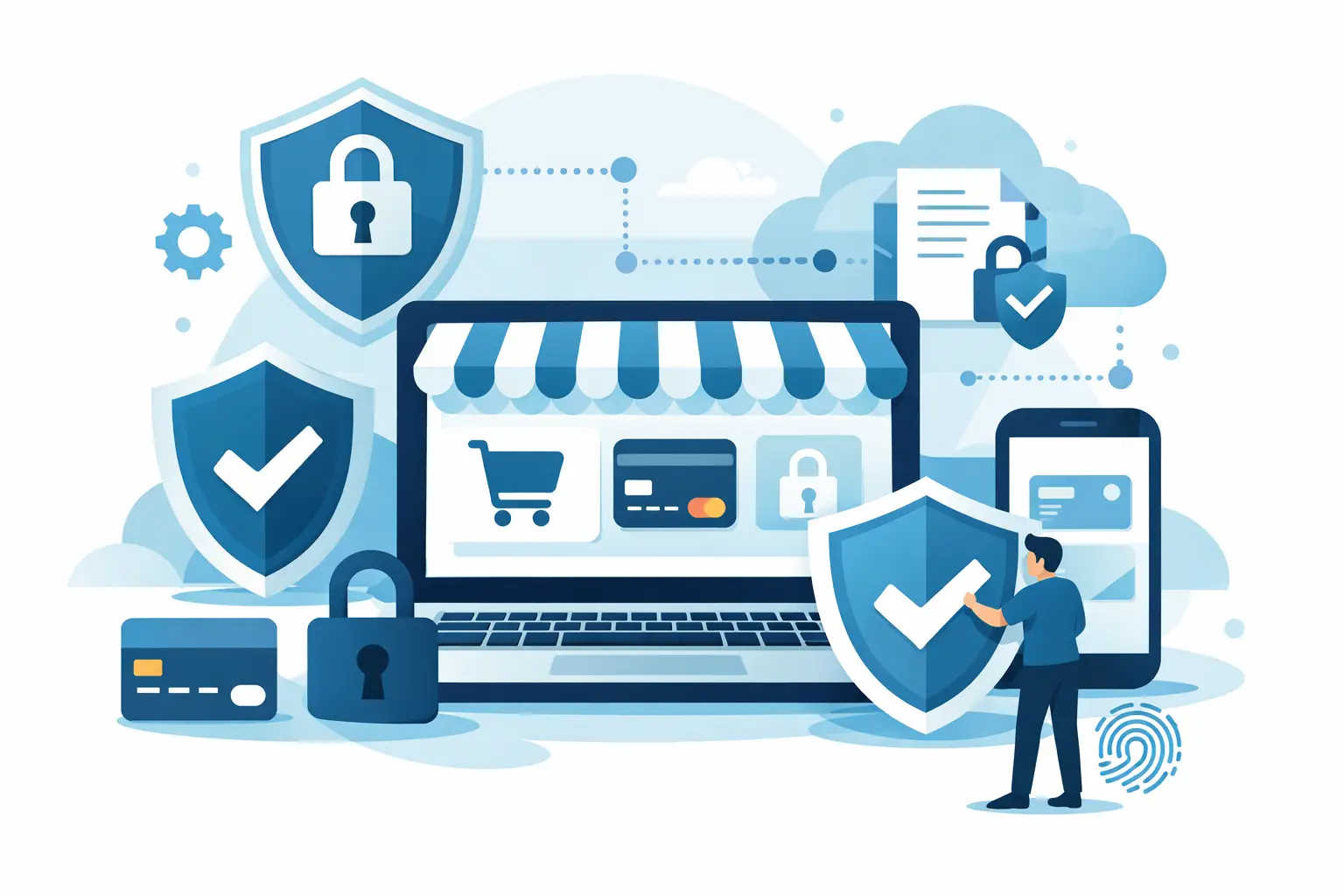
A single card-data incident can do more than create a chargeback problem. It can interrupt processing, damage customer trust, trigger expensive remediation work, and put an already hard-won merchant account under added scrutiny. PCI compliance for online stores is how merchants reduce that exposure while keeping online checkout practical, fast, and ready to scale.
For high-risk merchants, this is not a box-checking exercise. Your processing relationship may already involve closer review of your website, billing practices, fulfillment, and customer support. Showing that your payment environment handles card data responsibly gives your business a stronger operational foundation.
What PCI Compliance Means for an Online Store
PCI DSS stands for Payment Card Industry Data Security Standard. It is a set of security requirements created by the major card brands to protect payment card information. Any business that accepts, transmits, or stores cardholder data is expected to follow the requirements that apply to its payment setup.
The key phrase is “that apply.” PCI compliance is not one identical project for every merchant. A WordPress store using a hosted payment page has a different compliance scope than a business collecting card details through a virtual terminal, or a subscription company that stores payment credentials for recurring billing.
The less card data your website, staff, and internal systems handle directly, the smaller your compliance burden is likely to be. That does not eliminate your responsibility. It means you can design checkout so sensitive information moves through a properly configured payment gateway instead of sitting on your servers, in inboxes, or in spreadsheets.
PCI DSS focuses on practical controls: protecting card data, limiting access, maintaining secure systems, monitoring activity, and documenting how your business meets the applicable requirements. The goal is straightforward. A customer should be able to pay without their card information becoming an unnecessary risk inside your operation.
Why PCI Compliance Matters More in High-Risk Processing
High-risk merchants often deal with more than standard payment acceptance concerns. Recurring transactions, higher average order values, sensitive product categories, cross-border customers, elevated dispute rates, and fast growth can all create more pressure on the payment environment.
A processor or acquiring bank wants to see that a merchant has control over its operations. PCI practices support that picture. They show that access to payment systems is intentional, customer data is not handled casually, and basic security procedures are part of the business rather than an afterthought.
Noncompliance can create direct costs, including monthly noncompliance fees, required scans, remediation expenses, and potential card-brand penalties after a breach. But the larger cost is often disruption. If your checkout is paused while a security issue is investigated, every hour without payment acceptance can affect cash flow, customer retention, and ad spend.
There is also a customer-facing reason to get this right. Buyers may never ask which PCI self-assessment questionnaire you completed. They will notice if your checkout looks suspicious, payment confirmations are inconsistent, or unauthorized activity follows a purchase. Trust is earned in small moments, and payment security is one of them.
Start by Mapping How Card Data Moves
Before completing forms or purchasing security tools, map the path a card number takes through your business. This step prevents merchants from protecting the wrong systems while overlooking the places where data actually appears.
Ask where customers enter card details, where payments are authorized, whether anyone on your team can view full card numbers, and how recurring payments are managed. Also look beyond the storefront. Phone orders, customer support messages, order notes, screen recordings, call recordings, and remote staff workflows can introduce risk.
For example, a customer entering payment information into a gateway-hosted checkout field may keep card data away from your web server. By contrast, taking card details over the phone and entering them into a virtual terminal creates a staff-access and workspace-security responsibility. Neither model is automatically wrong, but each requires different controls.
Do not accept full card numbers by email, text message, chat, or standard support tickets. Those channels are difficult to secure and easy to retain accidentally. Give customers a secure payment route instead, and train your team to redirect them when they attempt to send card data through an unsafe channel.
Choose a Checkout Design That Limits Exposure
Tokenization can help reduce the amount of sensitive payment data your business handles. Instead of retaining a card number for a subscription or future purchase, your system uses a token generated by the payment environment. The token can support authorized future transactions without exposing the full card number to employees or storing it in your ecommerce platform.
Hosted payment fields and hosted checkout pages can serve a similar purpose. They allow the gateway to collect the most sensitive data directly. This can be especially useful for WordPress merchants that want a practical integration without turning their website into a card-data storage system.
The trade-off is control. A fully customized checkout can offer more design flexibility, while a hosted option can reduce technical and compliance complexity. The right choice depends on your conversion needs, developer resources, subscription model, and the capabilities of your payment gateway.
Build the Controls That Actually Protect Your Business
PCI compliance is strongest when daily operating habits match the paperwork. A completed questionnaire will not help much if every employee shares one login or if your store runs outdated plugins.
Start with access. Every person who uses the gateway, ecommerce administration panel, virtual terminal, or reporting dashboard should have an individual login. Limit permissions to what each role needs. A support representative may need order visibility, for example, but not the ability to issue large refunds or change bank account details.
Use strong, unique passwords and multi-factor authentication wherever it is available. Remove former employees and contractors promptly. Review user access periodically, especially after staffing changes or when a team member moves into a different role.
Keep your ecommerce platform, themes, plugins, server software, and payment integrations updated. Outdated extensions are a common opening for attackers, particularly on stores with many third-party tools. Before adding a new plugin, ask whether it is actively maintained, necessary for revenue or operations, and compatible with your payment setup.
Your network matters too. Avoid processing payments over unsecured public Wi-Fi. Keep business devices protected, separate guest Wi-Fi from operational systems, and use reputable security software. If remote staff use virtual terminals or account dashboards, establish clear rules for device security, screen privacy, and session logout.
Finally, watch for unusual activity. Sudden refund spikes, unexpected login attempts, changed payout details, repeated failed transactions, or unfamiliar administrative users deserve a prompt review. Monitoring is not about treating every alert as a crisis. It is about finding abnormal patterns before they become costly incidents.
Complete the Right PCI Validation
Most smaller online merchants validate compliance by completing a Self-Assessment Questionnaire, commonly called an SAQ, and an attestation of compliance. The correct SAQ depends on your payment flow. Using the wrong version can leave gaps or create unnecessary work.
Some merchants also need an external vulnerability scan from an approved scanning vendor. Whether that applies depends on how your internet-facing systems are configured and what your acquiring bank or processor requires. Do not assume a scan alone makes your business PCI compliant. It is one part of a broader process.
Your payment provider can help clarify which validation path fits your setup, but the merchant remains responsible for accurate information. Be honest about every way you accept payments. A store may use a hosted checkout for web orders while also taking phone payments through a virtual terminal. Both workflows must be considered.
Keep records of completed questionnaires, scan results when required, security policies, access reviews, and incident-response actions. If a processor asks for documentation, having it organized reduces delays and helps demonstrate that your operation is managed deliberately.
PCI Compliance for Online Stores With Subscriptions
Subscription billing adds a layer of complexity because customer payment credentials support future charges. The safest approach is generally to use gateway tokenization and keep stored payment data out of your own systems whenever possible.
Your recurring billing practices also need to be clear to customers. Show the billing frequency, price, trial terms, cancellation instructions, and support contact details before payment is submitted. These disclosures are not a PCI requirement by themselves, but they reduce disputes and strengthen the overall quality of your payment operation.
Make sure only authorized staff can change subscription plans, alter billing dates, issue refunds, or update customer payment methods. A single compromised admin account can create fraud exposure across hundreds of active subscriptions.
Treat Compliance as an Operating Standard
PCI requirements can feel technical, but the business principle is simple: do not collect, store, or expose more card data than your operation truly needs. Build payment flows that reduce access, keep systems maintained, and give your team clear rules for handling customer information.
For merchants in restricted or high-risk categories, the right processing partner should make those controls easier to understand, not harder to implement. Myco Solutions works with merchants that need practical gateway setup, payment acceptance options, and the visibility to manage revenue with confidence.
The strongest next step is not waiting for a questionnaire request or a security problem. Review your checkout flow, remove risky card-handling habits, and make payment security part of how your store operates every day.